How to calibrate the SmartFlow® controller touchscreen.
SmartFlow systems with firmware 2.2.0 and TSL systems with firmware 1.1.0 and greater (newer) only allow the screen to be calibrated within the first 10 seconds of powering the system up. Entering the calibration routine on older firmware versions can be done with a 10 second hold on the Home screen (does not need to follow a power up). On older firmwares, if the system was poorly calibrated and it is difficult to navigate back to the Home screen, perform a power cycle. Then touch the screen anywhere that is not a button and hold for 10 seconds to begin calibration.
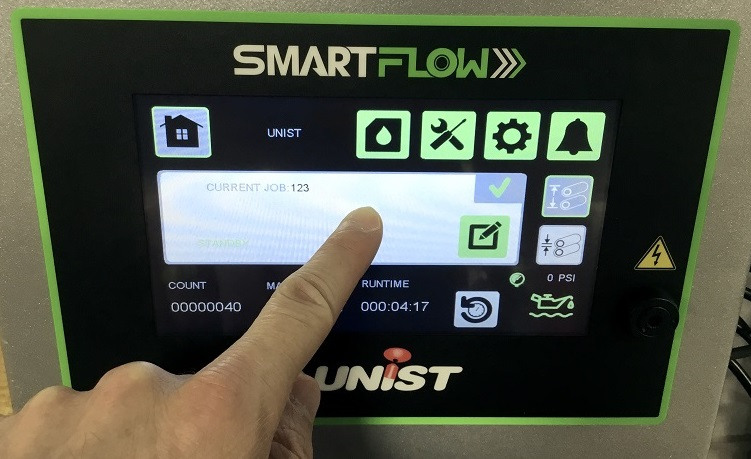
The system will then ask the user to calibrate the touch screen by touching four different points on the screen, one at a time. The screen calibration will then be updated and ready to use.
